Design
UX/UI Design
Thoughtful UX/UI design for websites, online stores and digital products. From user journeys and wireframes to detailed Figma screens and reusable components, every decision supports a clearer experience and a practical path to development.

What UX/UI design includes?
Design shaped around what people need to do, with the detail needed to build it properly.
-
Discovery and user research
Understand your users, business goals and existing challenges. Analytics, feedback and research help identify priorities and give design decisions a clear starting point.
-
Information architecture
Organise pages, content and navigation so people can find what they need. Clear structures that support both everyday tasks and a growing website.
-
Wireframes and user flows
Map the important journeys before focusing on visual details. Explore page layouts, interactions and the steps needed to complete a task.
-
Interface design in Figma
Detailed interface designs built around your brand and content. Responsive layouts, clear hierarchy and consistent interactions across key screens.
-
Design system and components
Reusable components, typography, colours and interaction patterns. A consistent foundation that makes future design and development easier to manage.
-
Prototypes and developer handoff
Interactive prototypes to explore how the experience works, with organised files and useful notes to support implementation.
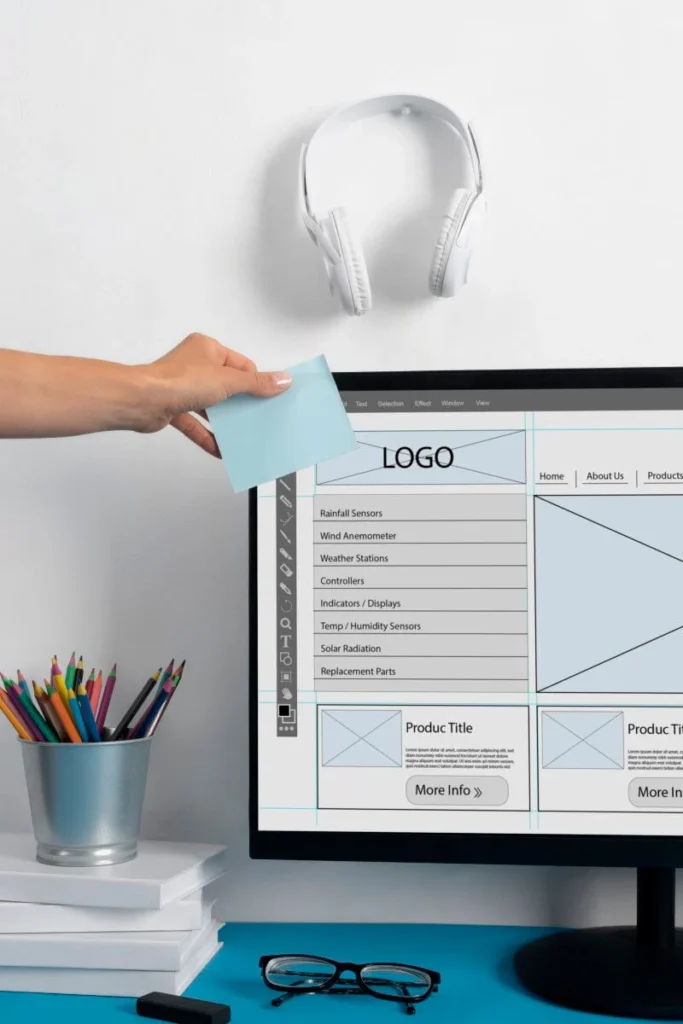
How a design project runs?
The process moves from understanding the problem to defining the details. Each stage gives us something concrete to review before moving forward.
Discovery
I start with your goals, audience and the problems the design needs to solve. For an existing website or product, I review the current experience alongside any available analytics and feedback.
Together, we agree on the priorities and what a successful outcome should look like.
Structure
I map out the pages, content and main user journeys. This helps establish where information belongs, how people move through the experience and which actions each screen needs to support.
Wireframes
I use wireframes to explore layout and functionality before introducing the visual design. This makes it easier to review the structure, spot missing steps and adjust the journey early.
Interface design
Once the structure is agreed, I develop the visual design in Figma. Typography, spacing, colour and components work together to create a clear, consistent interface across screen sizes.
Design system
I organise the recurring elements into reusable components and styles. The level of detail depends on the project, from a focused set of website components to a broader system for an evolving product.
Prototype and handoff
Where useful, I connect screens into an interactive prototype so key journeys can be reviewed before development.
The handoff includes organised Figma files, relevant interaction states and implementation notes. If I’m also handling development, those decisions carry directly into the build.
Working with a design you already have
I can work with existing brand guidelines, Figma files or an established design system. Whether you need additional screens, improvements to a specific journey or help preparing designs for development, the work can build on what is already there.
What I need from you:
- A clear outline of your goals and current challenges.
- Information about your audience and their main tasks.
- Existing brand guidelines and design files, if available.
- Content or representative examples for the key screens.
- Access to relevant analytics or user feedback, where available.
You don’t need to have everything ready before we talk. I can help identify what is needed to get started.
UX/UI design questions
01 What is the difference between UX and UI design?
UX design focuses on how the experience works: the structure, journeys and interactions that help people complete a task.
UI design focuses on the interface they use, including layout, typography, colour and components. The two work together throughout the design process.
02 Do I need UX design if I just need some new screens?
Not every project needs a full research phase. However, new screens still need to fit into the wider experience.
I review what the screens need to achieve and how they connect to existing journeys, then suggest an appropriate scope.
03 Do you design in Figma?
Yes. I use Figma for wireframes, interface design, reusable components and interactive prototypes.
The files are organised so you and your developers can understand the designs and continue working with them.
04 Can you work with our existing design system?
Yes. I can extend your existing components and patterns to cover new screens or features.
If I find gaps or inconsistencies that affect the work, I flag them and discuss any changes before introducing them.
05 Do you build the designs as well?
Yes. I also develop WordPress and WooCommerce websites, so design and development can be handled together.
Design can also be a standalone service, with files and implementation notes prepared for your own development team.
06 How much of our team will the project involve?
I’ll need input from someone who understands the business goals and can coordinate feedback and approvals. Depending on the project, input from developers, support staff or other people close to your users can also be helpful.
We agree on review points at the start so everyone knows when their input is needed.
07 How do you make sure the design is accessible?
I consider accessibility throughout the design, including colour contrast, readable typography, clear labels, navigation and interaction states.
I also document relevant behaviour for development. Accessibility needs to be checked in the finished website or product as well as in the design files.
Next step
Seen enough? Let us talk.
Tell me what you’re building, rebuilding or trying to improve. You’ll get thoughtful questions, a straightforward response and a clear idea of what comes next.